Updated November 2, 2026. Independent guide; official sources are linked beside the relevant information.
Cowboy Plus, styled Cowboy+, is the streaming service to check if you want to follow professional rodeo online. You may still encounter its older Cowboy Channel+ name in account records, search results or app instructions. For the 2026 Wrangler NFR, the important question is whether your subscription explicitly includes the finals.
This guide covers the subscription decision, device setup and account details. For the complete Las Vegas event overview, use our How to Watch NFR guide.
| Question | What to know |
|---|---|
| 2026 NFR streaming | Cowboy+ is the streaming home identified by NFR Experience. |
| Which plan? | The organizer directs NFR viewers to the annual plan. |
| NFR dates | December 3–12, 2026, in Las Vegas. |
| Live start | 5:45 p.m. Pacific / 8:45 p.m. Eastern each night. |
| TV alternative | Cowboy Channel through a participating television provider. |
| Pricing | Use the current subscription checkout; old promotional prices are not a current quote. |
Contents
What is included in NFR access?
The organizer’s official viewing guide names Cowboy Plus for the live stream and describes live coverage and on-demand replays with its annual plan. Check the current plan description before paying. Access to some other rodeos does not establish that your account includes the NFR.
Cowboy Plus and the Cowboy Channel television network are different ways to watch. A cable or satellite bill does not automatically give you a separate streaming subscription, and buying an app subscription does not add a channel to your television package. If you already receive Cowboy Channel, compare your existing access before buying anything else.
How to choose the right subscription
Open the official subscription page and read the current offer. Look for the NFR by name, the billing period, the total charge and renewal conditions. The eligible annual plan is the route named by the organizer; do not choose a monthly plan simply because it costs less upfront.
Save the receipt and note where you subscribed. Website billing and app-store billing can require different management steps. If you are upgrading an existing subscription, check that account first rather than creating a second one. A discounted offer from a previous season should not be used to decide what the 2026 package costs.
Live NFR coverage is paid programming. This page does not offer a free event stream or promise a trial. The current checkout and terms determine your purchase.
Set up your account before the first round
- Visit the official Cowboy Plus website and sign in, or create your account.
- Review the current NFR-included subscription and complete your purchase only after checking its terms.
- Install the official app on a compatible device, or use the website on your computer.
- Sign in using the email associated with the paid account.
- Test available programming before December 3. On performance nights, select the current NFR event listing.
Keep your account email and receipt somewhere accessible. If the service asks for payment again, check whether you signed in with a different email or purchased through an app store. Resolving that mismatch is better than buying the same access twice.
Devices and watching on the big screen
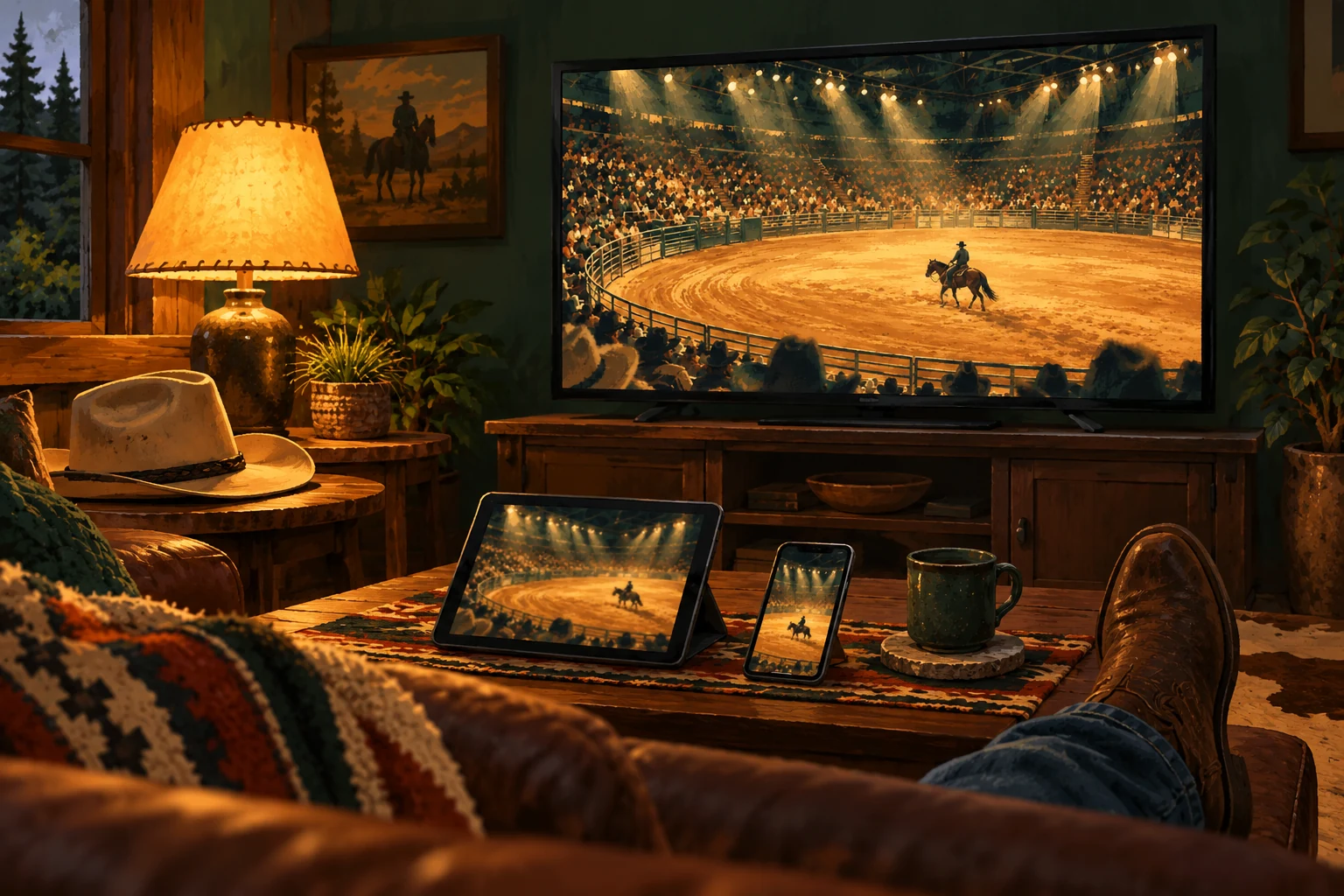
Cowboy Plus lists Apple, Android, Amazon Fire and Roku platforms in its viewing information. Check your exact model and operating system in the official app store before subscribing. A brand name alone does not establish that every television or older streaming player supports the current app.
Use our NFR on Roku setup guide for that device. On other platforms, follow the current sign-in or activation prompts shown by the official app. Test casting or mirroring separately if that is your preferred arrangement; compatibility can differ between a phone, browser and television.
Try playback in the room where you will watch the full performance. Check your Wi-Fi signal, update the app and connect portable devices to power. These small preparations are easier to handle before the live event begins.
Replays and international viewing
The official NFR information includes replay access with the eligible annual subscription. Find the correct year and round in the completed-event area. A highlight reel or interview is not the full performance, and a video labeled NFR may belong to an earlier season.
If watching outside the United States, confirm current availability and NFR access for your country before paying. Ask support about your destination if you will travel during the finals. Also check the local date: an evening start in Las Vegas can fall on the following morning elsewhere. Replay retention and release times should be checked with the service if your viewing plans depend on them.
Billing, upgrades and cancellation
Manage the subscription through the platform that billed you. Start with your receipt to determine whether that was Cowboy Plus, Roku, Apple or Google Play. Deleting an app is not a subscription-management step. Review renewal and cancellation terms in the relevant account area and keep any confirmation you receive.
The official Cowboy Plus support page covers upgrades, payment questions and purchases that are not showing correctly. When asking for help, provide the account email, device type, purchase platform and error message. Never send your password.
Follow the 2026 competition
Use our NFR schedule to plan the ten nights, the contestant roster to identify back numbers, and the results hub to follow completed rounds. For television packages rather than app access, see what channel the NFR is on.
Frequently asked questions
Is Cowboy Plus the same name as Cowboy Channel Plus?
Cowboy Plus, branded Cowboy+, is the current service name used in this guide. Older support materials and account references may still use Cowboy Channel+. Check that you are using the official service.
Does every subscription include the NFR?
Do not assume that. The organizer directs NFR viewers to the annual plan. Confirm explicit NFR access in the current offer or your existing account.
Do I need a cable subscription?
A standalone Cowboy Plus subscription does not require you to buy a traditional cable package. You do need eligible paid access, a supported device and an internet connection.
Where should I ask about a missing purchase?
Start with Cowboy Plus support and the platform named on your receipt. Check your signed-in email and any restore-purchase instructions before buying another subscription.