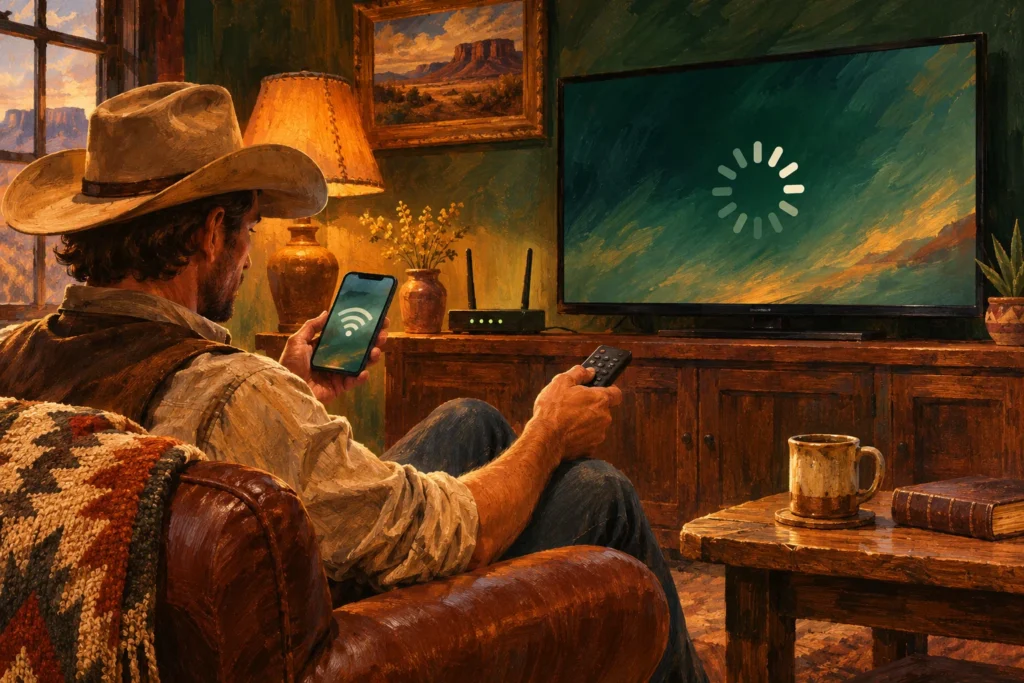
Original AI-generated conceptual illustration for WatchNFR. It does not depict a named athlete, actual venue or documented result.
Reviewed November 4, 2026. Independent reporting and reader guidance; official references are linked in the text.
If Cowboy Plus stops working, first identify what is failing. A sign-in problem, an unrecognized purchase and a picture that keeps buffering are different problems. Work through one branch at a time so you can explain the fault clearly if you need support. These are general diagnostic checks, not a claim that a particular outage is happening now.
- Cannot sign in: check the account email and password-reset route.
- Asked to subscribe after paying: check which account and purchase platform hold the receipt.
- Signed in but the NFR is locked: check the plan’s explicit event entitlement.
- Video starts but stalls: compare another video or device and check the connection.
- Phone works but the television does not: focus on that app, device and sign-in.
Write down the exact message before changing settings. Note the device, app or browser version, event title and whether other content plays. If the problem occurs only on one screen, changing the whole household’s subscription is unlikely to be the best first diagnostic step.
Login and paid-access checks
Open the official Cowboy Plus support page for its current password-reset and purchase-recognition help. Check for a mistyped email, an older account or a purchase made through a different Apple, Roku or Google account. Your receipt is a useful way to identify the platform that billed you.
A successful app download is not proof of a paid NFR entitlement. The organizer’s 2026 viewing page directs streaming viewers to the Cowboy Plus annual plan. Read the current plan details attached to your account. If you have paid, avoid buying again until you understand why the existing purchase is not being recognized.
Use a restore-purchase option only where the current app and official instructions provide it. Do not assume a television-provider password also signs you into a standalone streaming subscription. Our Cowboy Plus guide explains the two viewing routes.
Playback and buffering: isolate the cause
Try another available video in the same app. If that also fails, restart the app and test the internet connection from the room where you are watching. Pause large downloads and compare a supported browser or another device. Change one thing at a time and note whether it helped.
If only the television fails while a phone plays normally on the same network, check the television app’s updates and sign-in. If several household services struggle, investigate the connection. These comparisons narrow the problem; they do not prove that the broadcaster or router is at fault.
Restarting equipment can help with a temporary fault, but avoid factory resets as a routine first step. Those remove settings and make the setup harder to compare. If the event has not begun, a pending live listing is also different from broken playback.
Casting and contacting support
When the phone plays but casting fails, test playback directly on the viewing device if an official app is available. Casting depends on the app, receiving device and network combination; a working phone stream does not establish support for every mirroring method. See the device setup article for preparation.
Send support the account email, purchase platform, device model, error wording and approximate time of the failure. Keep passwords and full card details out of a general message. The current official contact route is preferable to an old phone number copied from an unrelated service.
Before December 3, test the exact screen you plan to use. Save the start-time guide and know where to find replays if you miss a performance. This article does not promise an instant fix or a particular support-response time.
Frequently asked questions
Should I subscribe again if the app says I have no access?
First check the receipt, billing platform and account email. Ask official support about purchase recognition before making a duplicate purchase.
Does a working phone stream prove casting is supported?
No. Casting depends on the app, receiver and connection. Test the actual combination or use a supported native app.
Is this an outage report?
No. This is a troubleshooting guide, reviewed November 4, 2026. It does not claim a current service-wide outage.