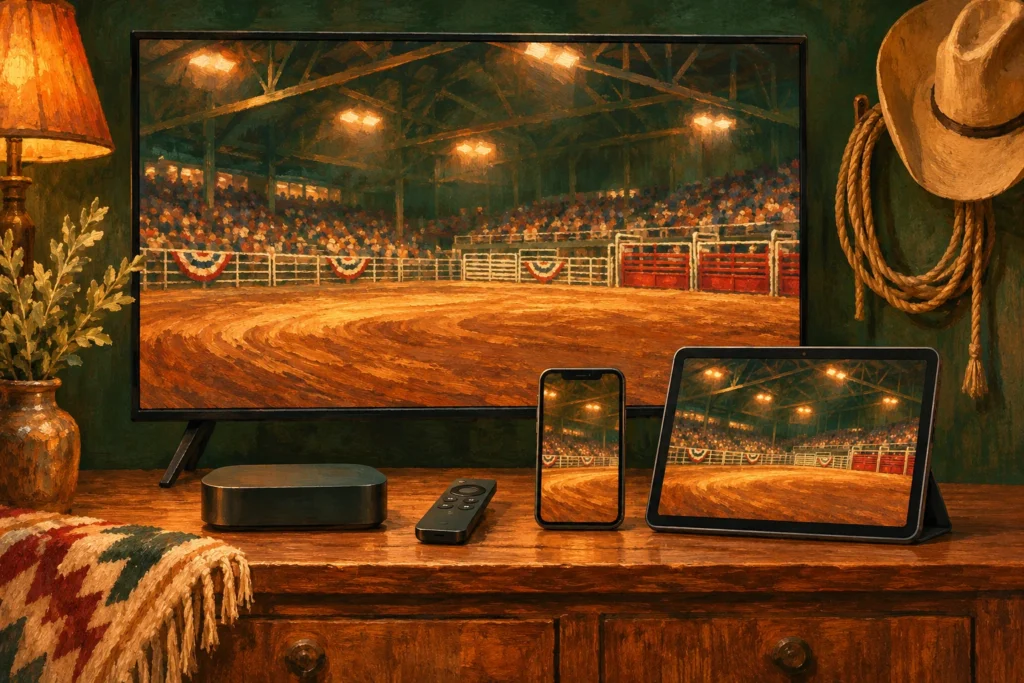
Original AI-generated conceptual illustration for WatchNFR. It does not depict a named athlete, actual venue or documented result.
Reviewed November 4, 2026. Independent reporting and reader guidance; official references are linked in the text.
Choose the screen first, then confirm the app and subscription work on it. A service playing on a phone does not guarantee that an older streaming player or every casting method will work. Set up before the first round so you can resolve account questions while there is still time.
Contents
Apple TV, iPhone and iPad: start with the official listing
The current Cowboy Plus Apple listing identifies iPhone, iPad and Apple TV. Open that listing or the App Store on the device, check the developer and current compatibility, then install the official app. Compatibility requirements can change, so do not rely on an old operating-system number quoted in a previous season’s article.
- Update the device and official app where updates are available.
- Sign in with the account attached to the intended subscription.
- Check that the plan explicitly includes the NFR.
- Play an available video on the screen you will actually watch.
- Find the live-event or replay area before opening night.
A paid Apple purchase that is missing from the app needs a billing-account and purchase-recognition check. Use official Cowboy Plus support rather than creating another account and assuming the purchase will follow automatically.
Fire TV: verify the current app on the exact device
Use your Fire TV’s official app store to search for Cowboy Plus and inspect the current listing and publisher. Confirm availability on your particular model and in your store region before buying access for that screen. We have not verified a single current installation menu or model list that applies to every Fire TV device.
If the official app is available, follow its own installation and sign-in prompts, then test playback. A similarly named app, a mobile-only store listing or instructions for a different platform are not substitutes for a compatible television app.
If you cannot find a supported official app, ask Cowboy Plus about that model and region. Use a confirmed supported screen while resolving the question. This guide does not recommend unofficial installers or promise that a browser or casting workaround will reproduce the native app experience.
Android phones and tablets
Use the official Google Play listing and check the publisher, current compatibility and availability for your device. Sign into the correct account after installation. An app-store description may retain older branding or offer wording; verify the current event entitlement in the service before purchasing.
On either mobile platform, test with the network you expect to use. Keep power available for a long performance. If traveling, check data allowances and whether a hotel connection requires a separate sign-in. These practical steps are more useful than assuming every successful download will play reliably on every connection.
Casting, subscriptions and the final test
Only use casting or mirroring where your app and receiving device support that method. Test the exact combination in advance. If the receiving screen has a compatible official app, direct playback may be simpler to diagnose than a chain involving a phone, receiver and hotel network.
The official NFR viewing page directs streaming viewers to the Cowboy Plus annual plan. App installation alone is not the entitlement. Check the receipt and account, then use the troubleshooting guide if access is missing.
Roku owners can use our separate Roku setup guide. Keep the start-time reference handy, and check replay availability if live viewing does not suit your local time.
Frequently asked questions
Can I assume every Fire TV supports the app?
No. Check the official app store on your exact device and region, or ask Cowboy Plus support before purchasing for that screen.
Are Apple TV and iPhone listed?
Yes. The official Apple listing identifies Apple TV, iPhone and iPad; check its current compatibility requirements.
Does installing the app include the NFR?
No. Confirm the event entitlement attached to the subscription and account you use.